


Want to change your account details? No problem! Just follow the simple steps below, and you will have your information updated in no time.
Go to shop.unicity.com
Click the profile icon at the top right and log in
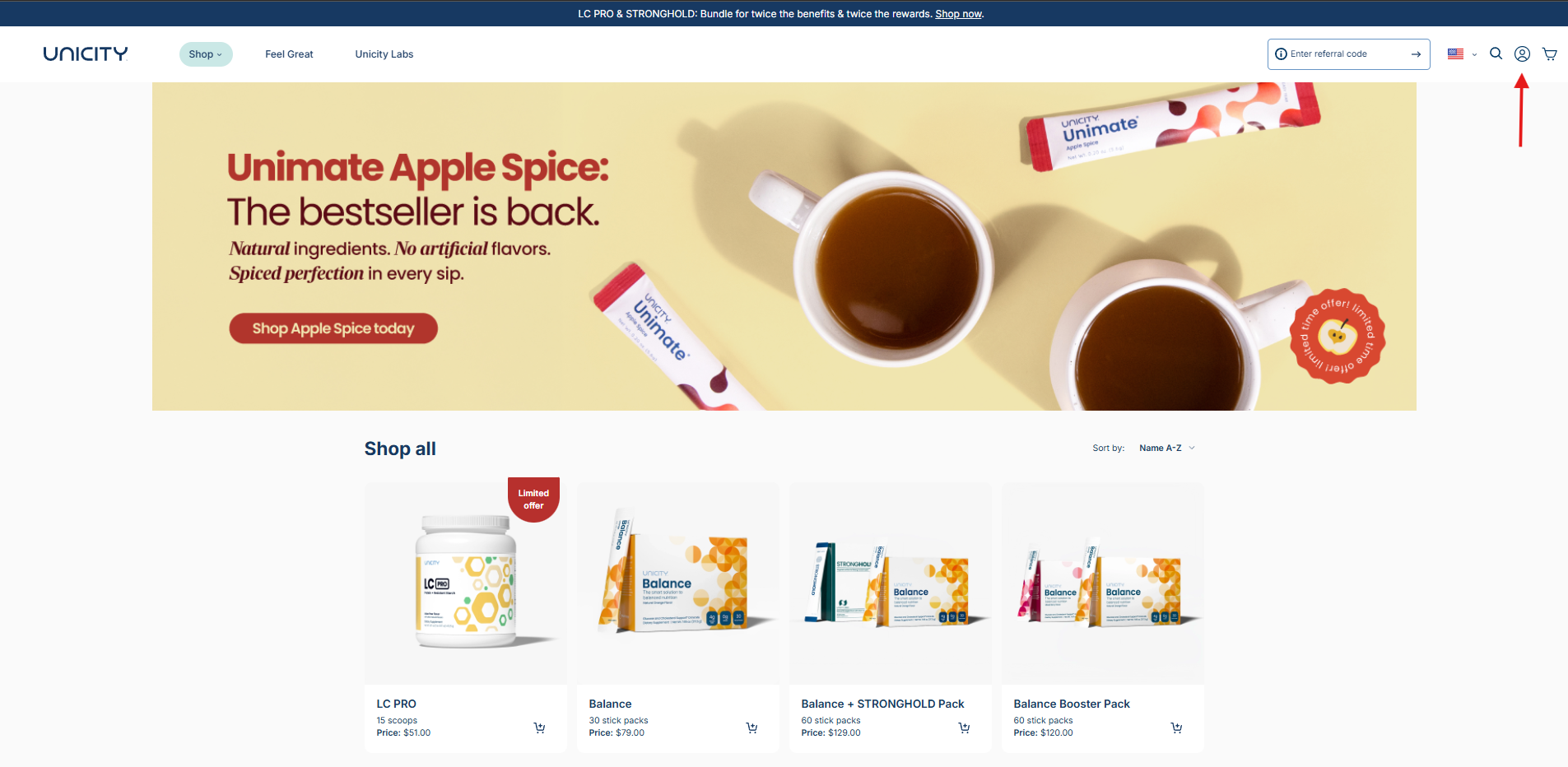
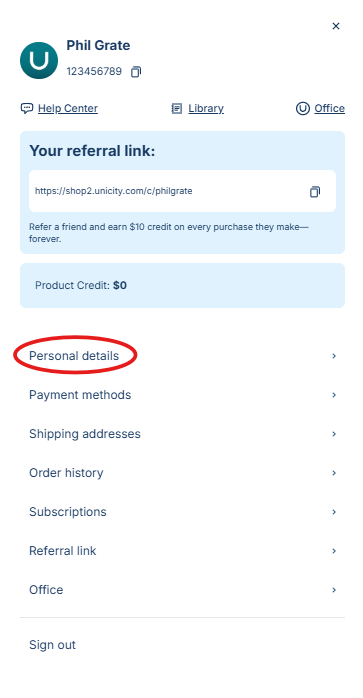
Select your profile icon again then click the “Personal Details" tab
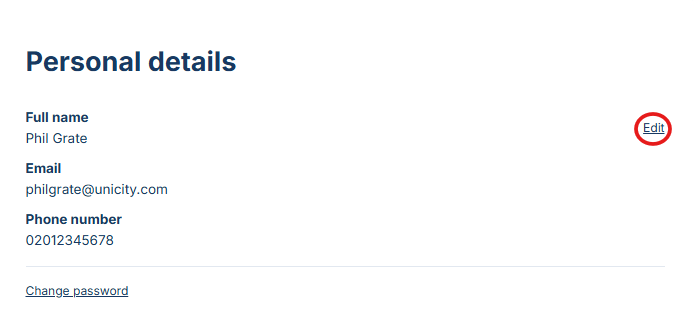
You’ll be directed to a page with an “Edit” option next to your name, click it
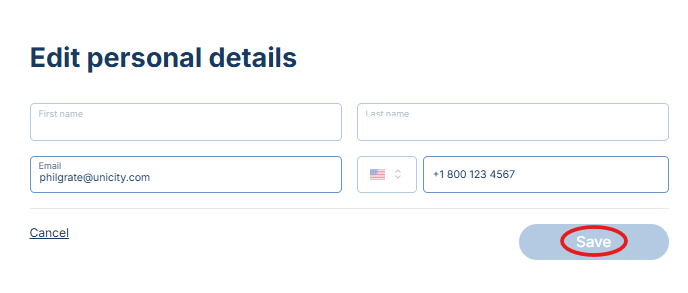
From here it'll show details you can change
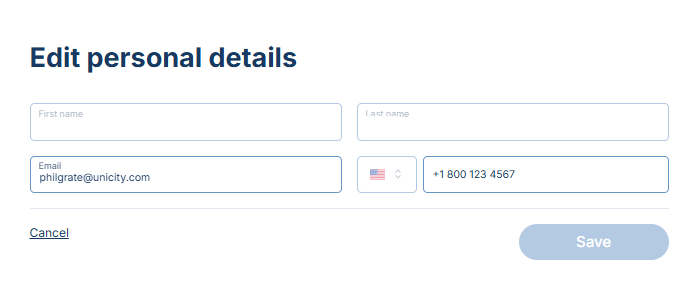
Be sure to click the “Save” option when you’re done!
If you have any further questions, please feel free to contact Unicity Customer Service using the contact information provided at the bottom of the page.