


Unicity Office is where you check your business status and find the tools to grow it — from rank progress and Centurion tracking to your Member directory, referral links, and earnings. This guide covers every section of the Dashboard and the Office menus.
The Dashboard page
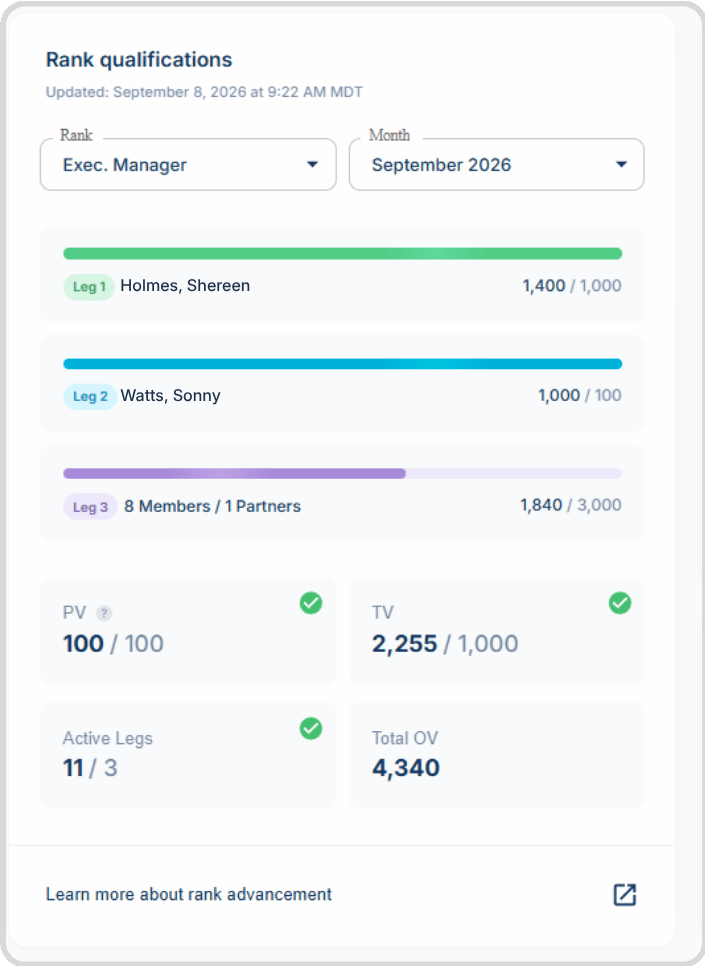
Rank Qualifications
Shown on the left side of the dashboard. To qualify for a rank, you need to meet the minimum PV and TV goals and have each of your three legs meet that rank's requirements. Read more about Unicity rank qualifications.
- Change your rank view: Use the rank drop-down to check your progress toward any rank.
- See past months: Use the month drop-down to review your rank status for previous months.
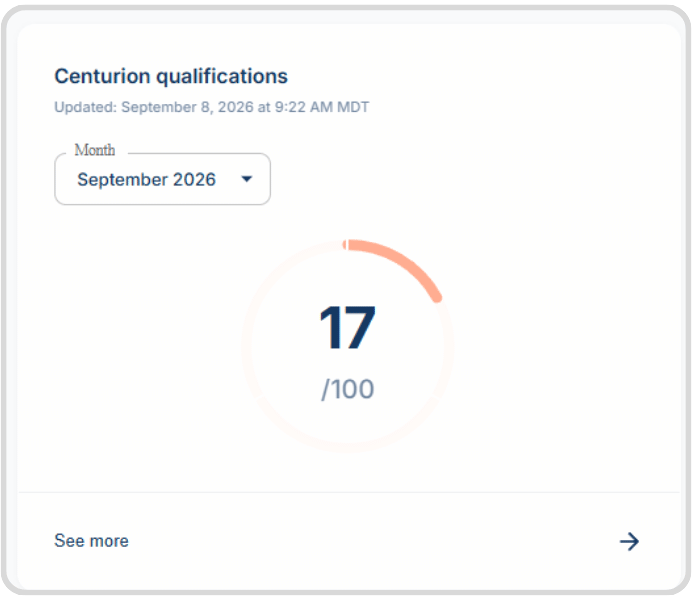
Centurion Qualifications
Shows your progress toward Centurion status. Click See more to view all Centurion-qualifying purchases for the selected month.
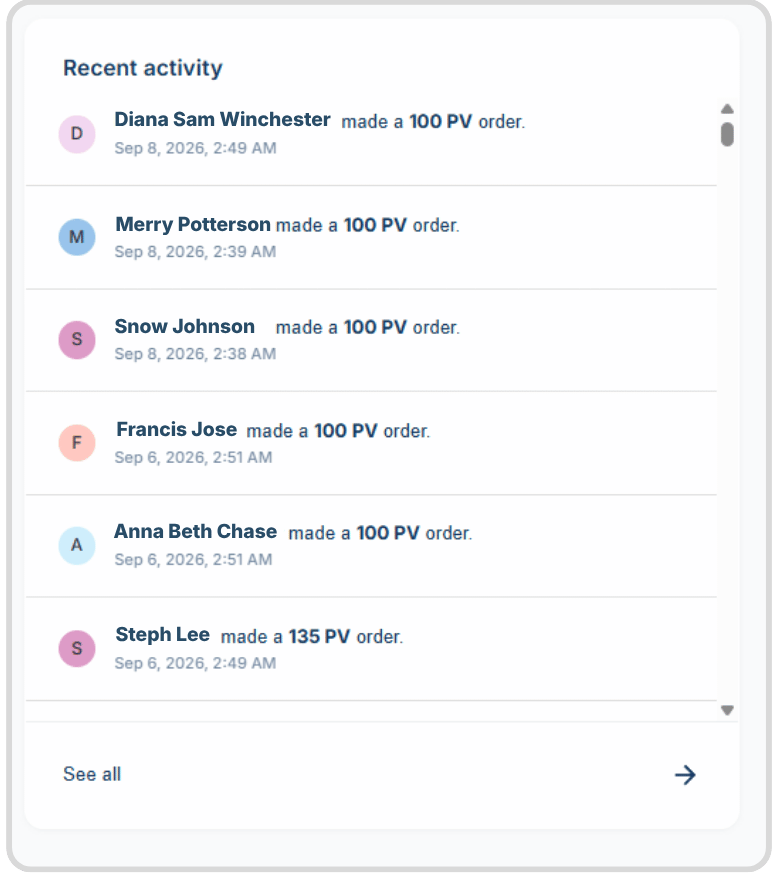
Recent Activity
A feed of recent orders from Members and Distributors on your frontline.
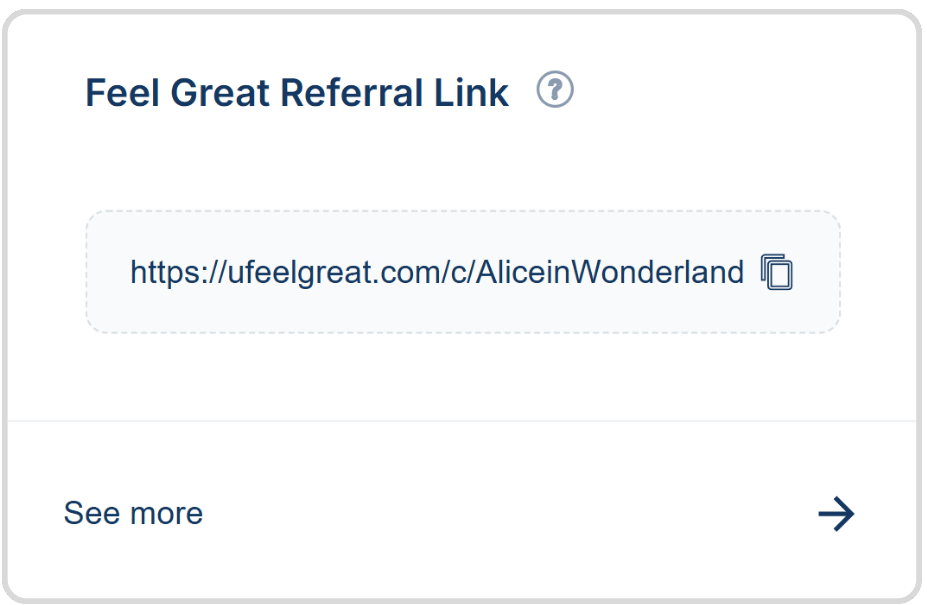
Feel Great Referral Link
Your shareable link to ufeelgreat.com. Prospects sign up as Members through it, and you're credited for their orders once they do.
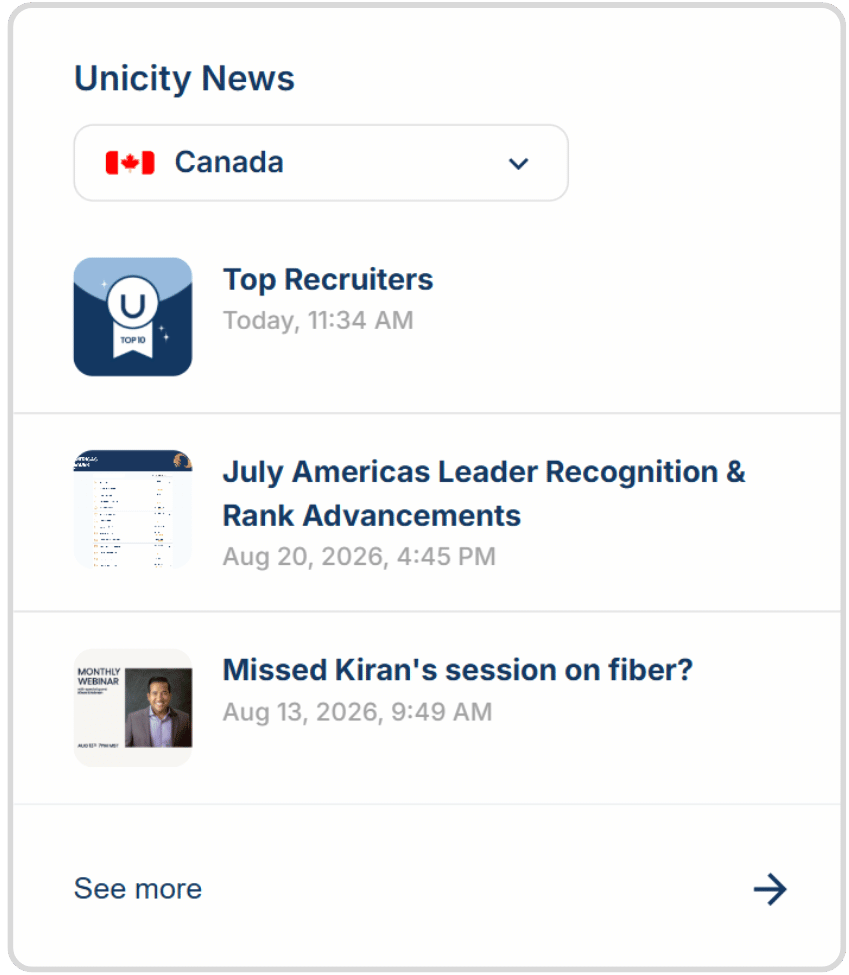
Unicity News
Updates on product launches, monthly webinars, rank recognitions, and other news from your market and other Unicity markets.
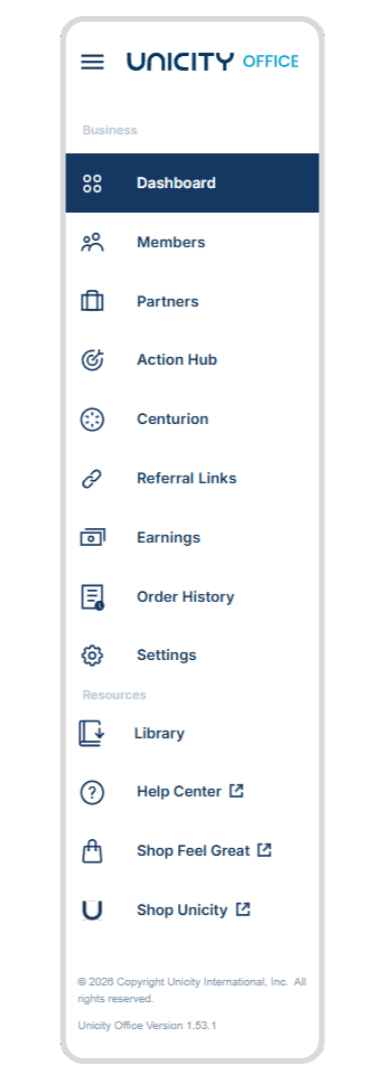
The Office menu
Found on the far left of the screen. Each page gives you different tools for managing your business.
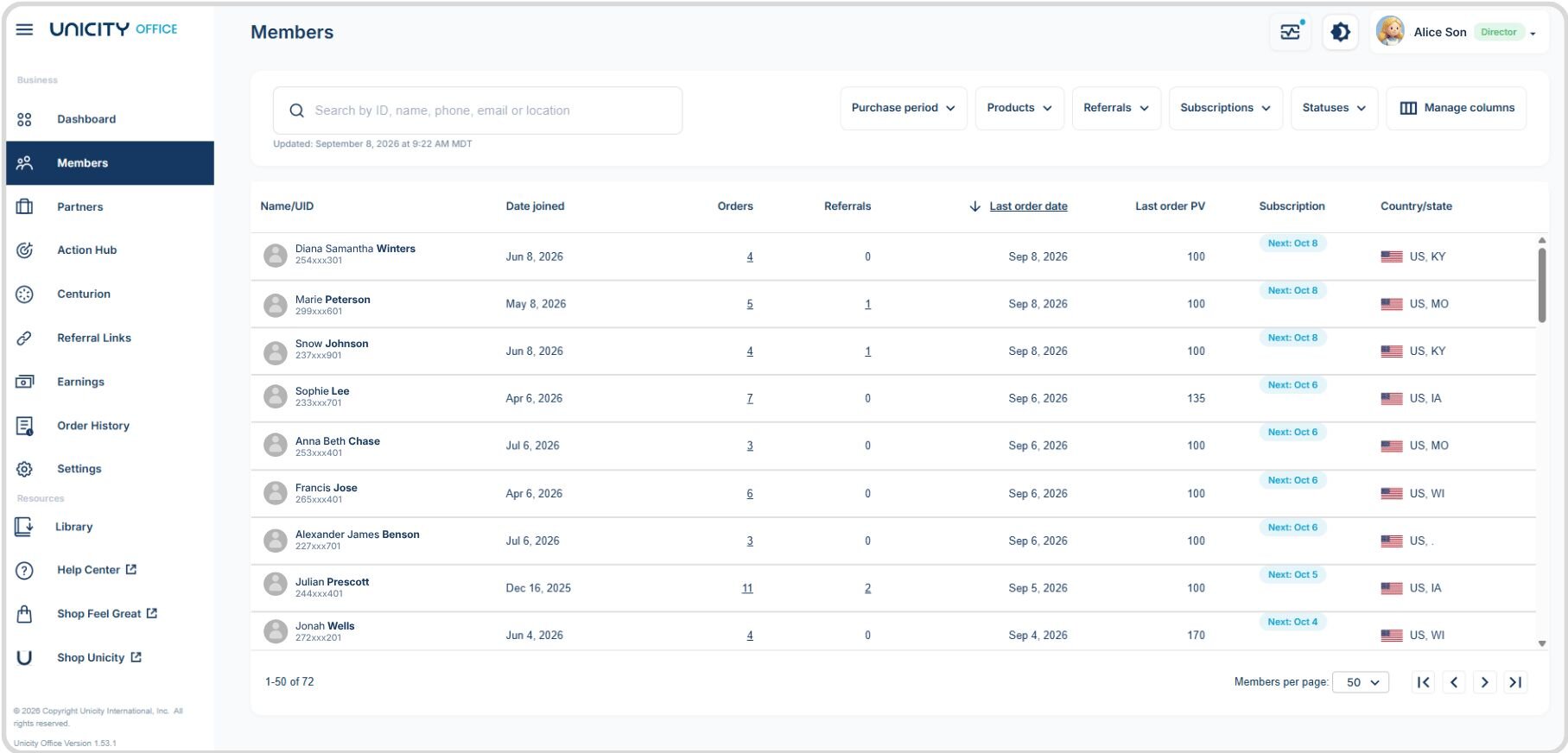
The Members page
A directory of all your Members, including: date joined, number of orders since joining, number of referrals made, last order date, last order's volume, subscription renewal date, and location.
The Member profile
Click a Member's name to see their contact info (phone, email), orders, and referrals.
Search, sort, and filter:
- Search by name, ID, phone number, email, or location using the search bar at the top of the page.
- Filter using criteria such as Members who ordered a Feel Great Pack.
- Sort using the drop-down on the right, or click any column heading to sort by it. Use Manage Columns to hide columns you don't need.
The Partners page
Shows all your frontline Partners so you can coach and collaborate with your team. For each Partner, you'll see their OV to Next Rank, New Partners, Centurion Count, PV, TV, and Total OV.
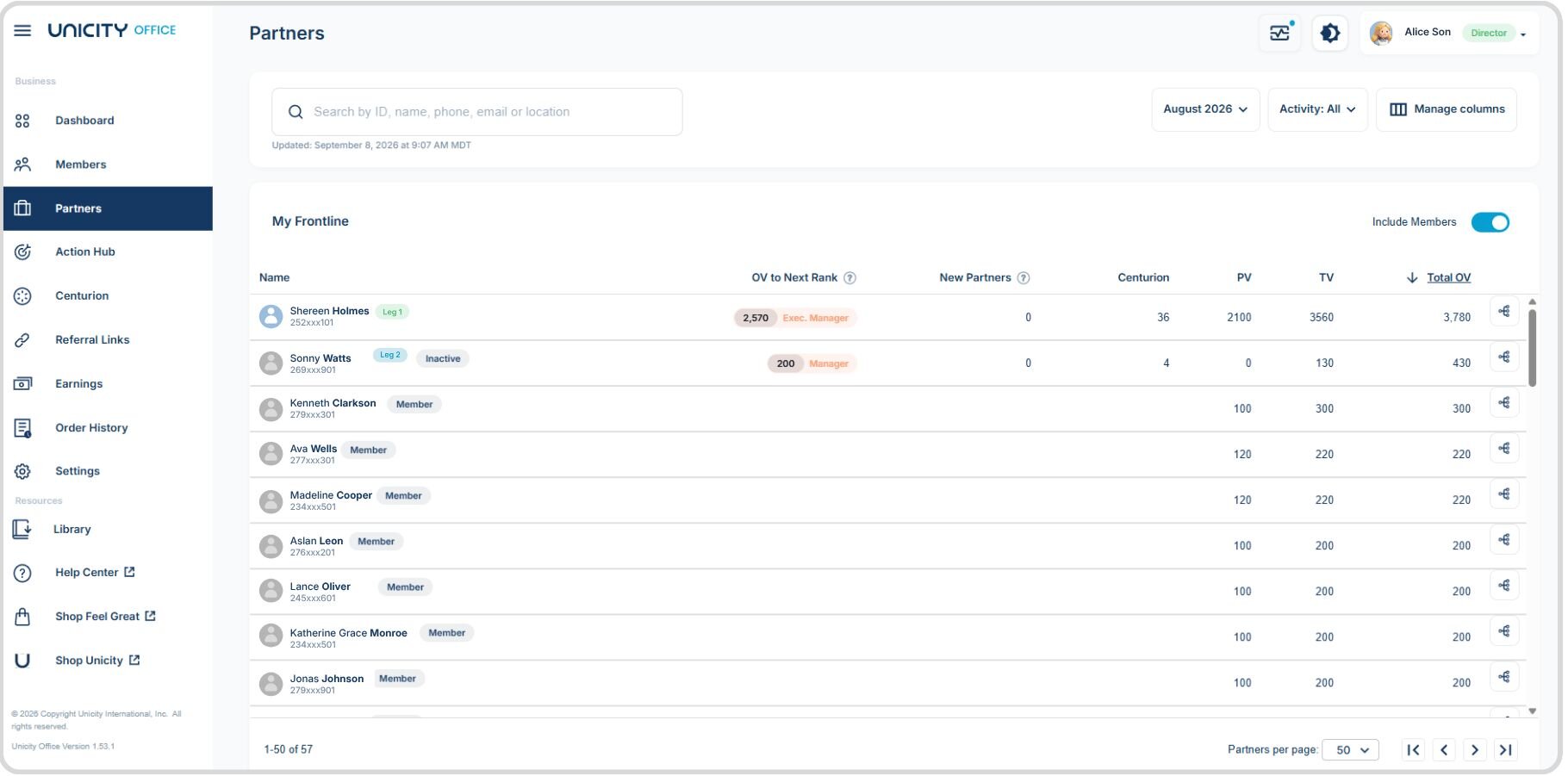
Sort the list by clicking a column header, filter by Volume Month or Status (Active, Inactive, Suspended), and click a Distributor's name to open their Partner profile.
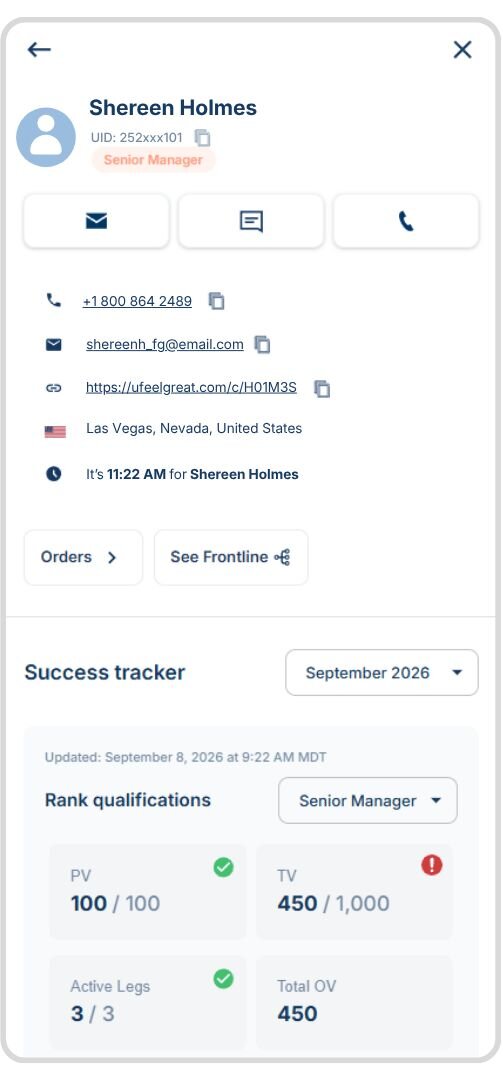
The Partner profile
Shows their Unicity ID, contact info, past orders, and a Success Tracker for evaluating their performance. Use the Success Tracker drop-down to view previous months.
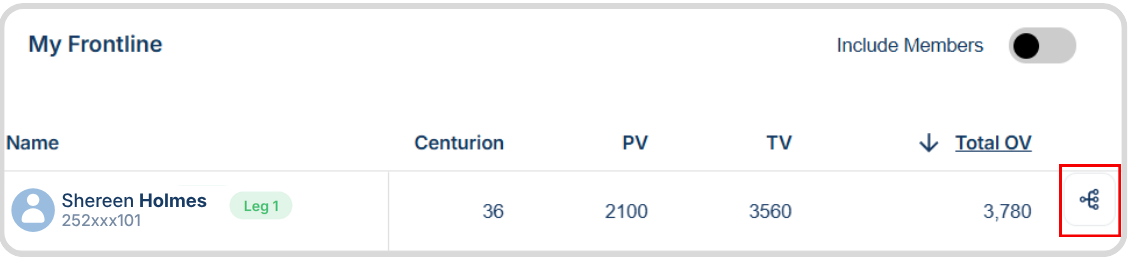
Organization genealogy
A genealogy symbol next to the Total OV means they have Distributors on their frontline. Click it to view that frontline, and continue clicking into deeper levels of the organization.
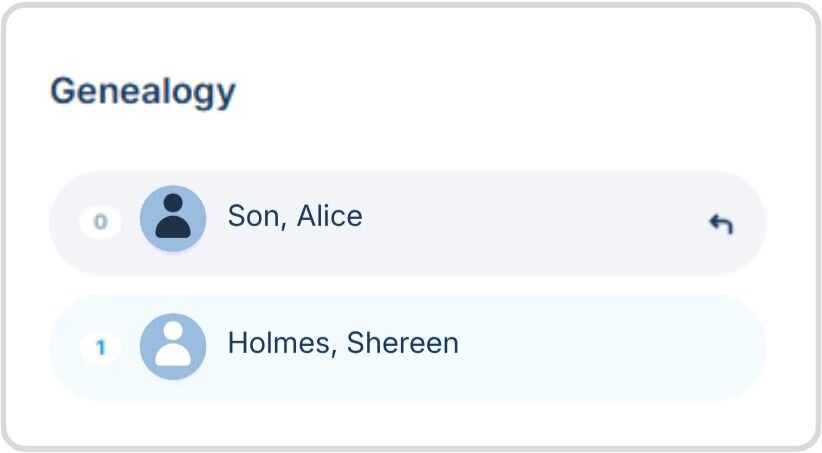
A navigation view lets you get back to your own frontline Partners at any point.
The Action Hub page
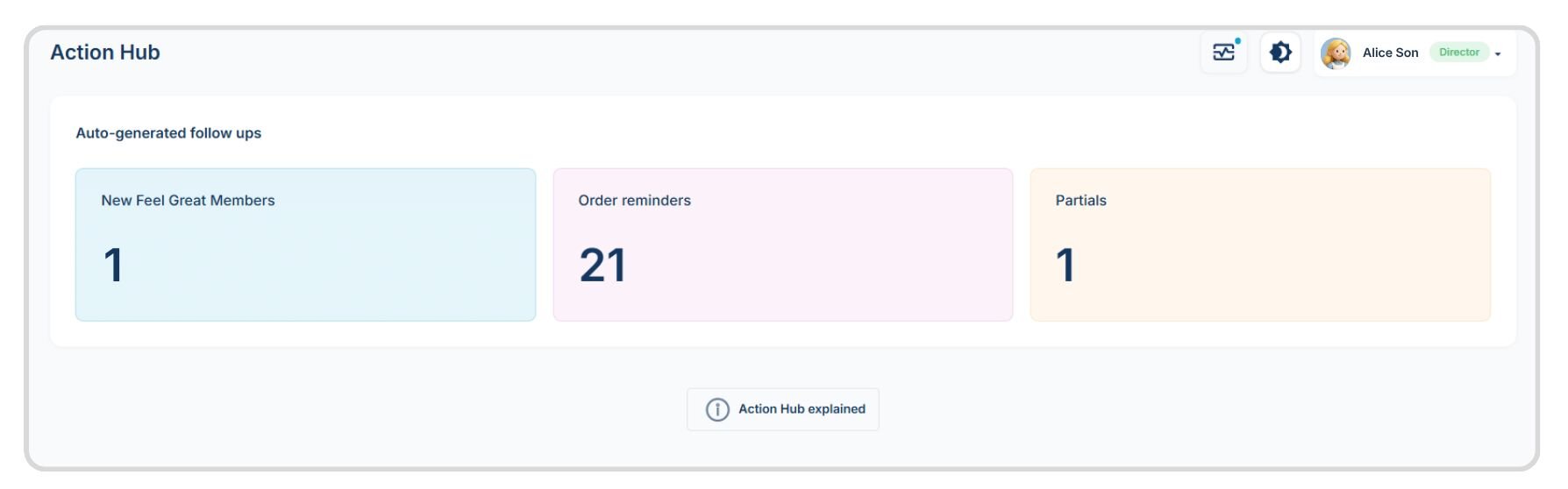
The Action Hub highlights potential high-value activities that can help you manage and grow your business. It identifies follow-up opportunities within your organization so you can focus on the people and activities that may need your attention.
There are three types of auto-generated follow-up activities to help you stay organized, prioritize opportunities, and know what to do next.
New Feel Great Members
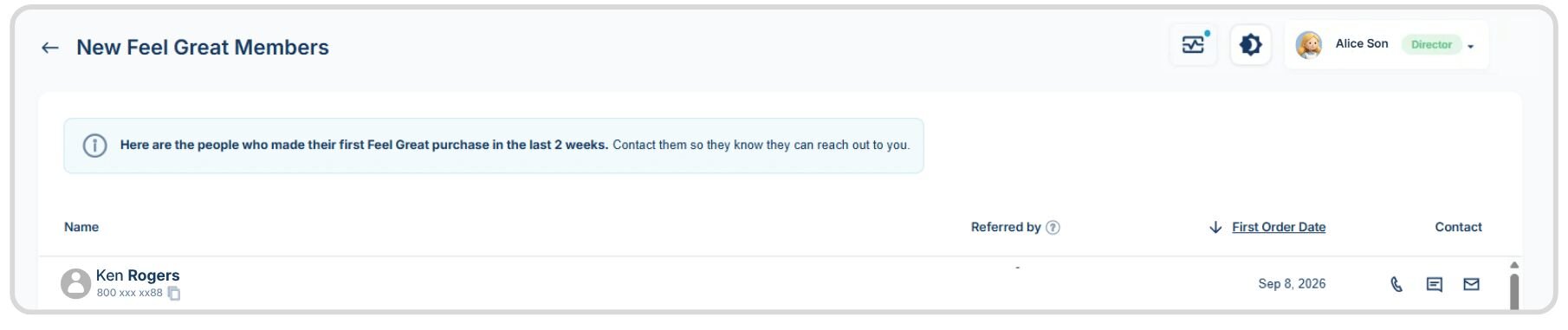
Members who purchased their first Feel Great Pack in the last two weeks, with who referred them, purchase date, and contact info. The first two weeks are a key window for welcoming new Members and building a connection.
Order reminders
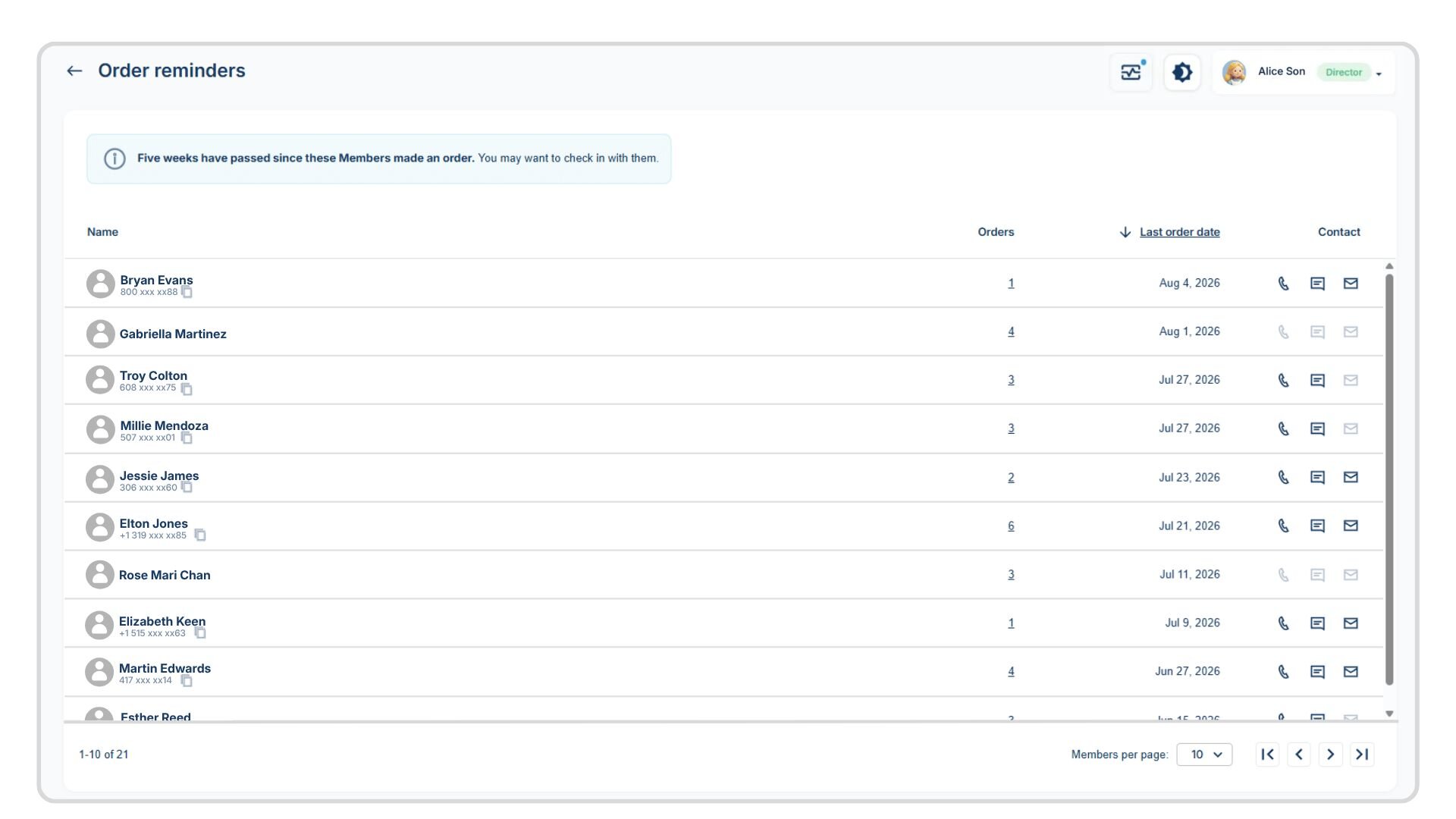
Members who haven't ordered in five weeks or more. A good list for checking in and prompting a reorder.
Partials- Incomplete Orders
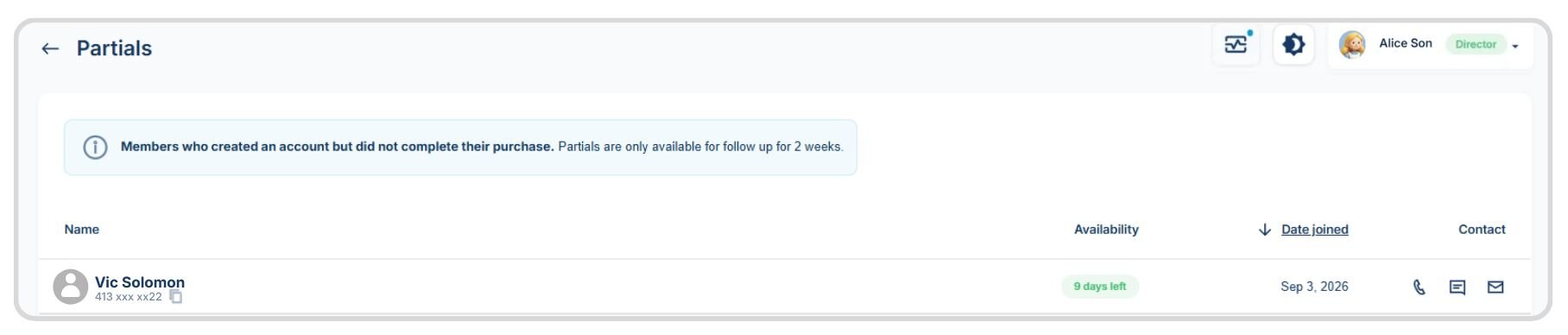
People who created a Member account but didn't complete a purchase, often after starting checkout through your link. A good list to follow up with in case they have questions.
The Centurion page
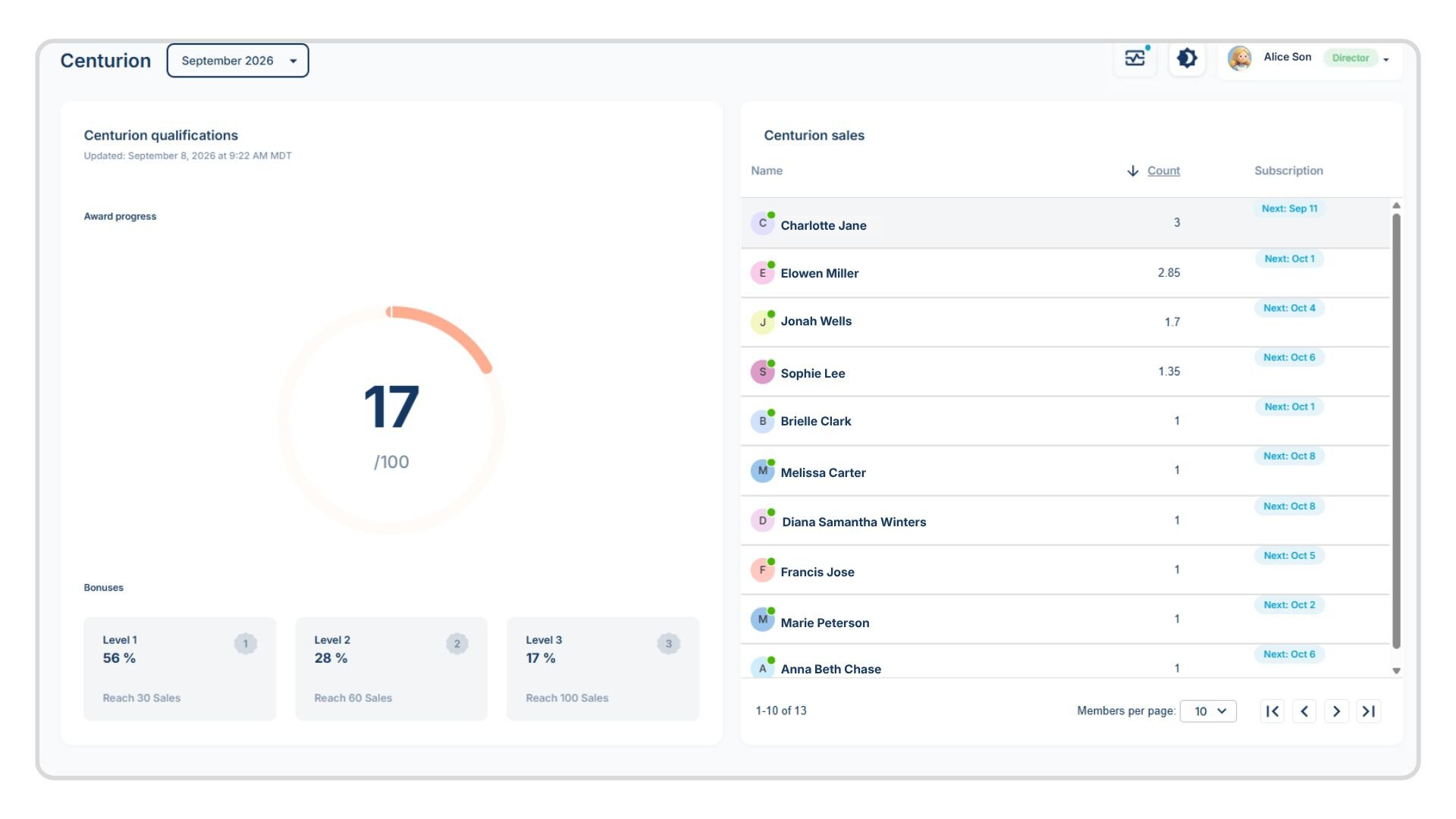
Details your progress toward each Centurion bonus level. The right-hand side lists all Centurion-qualifying sales for the month, noting whether each was a subscription or one-time purchase.
The Referral Links page
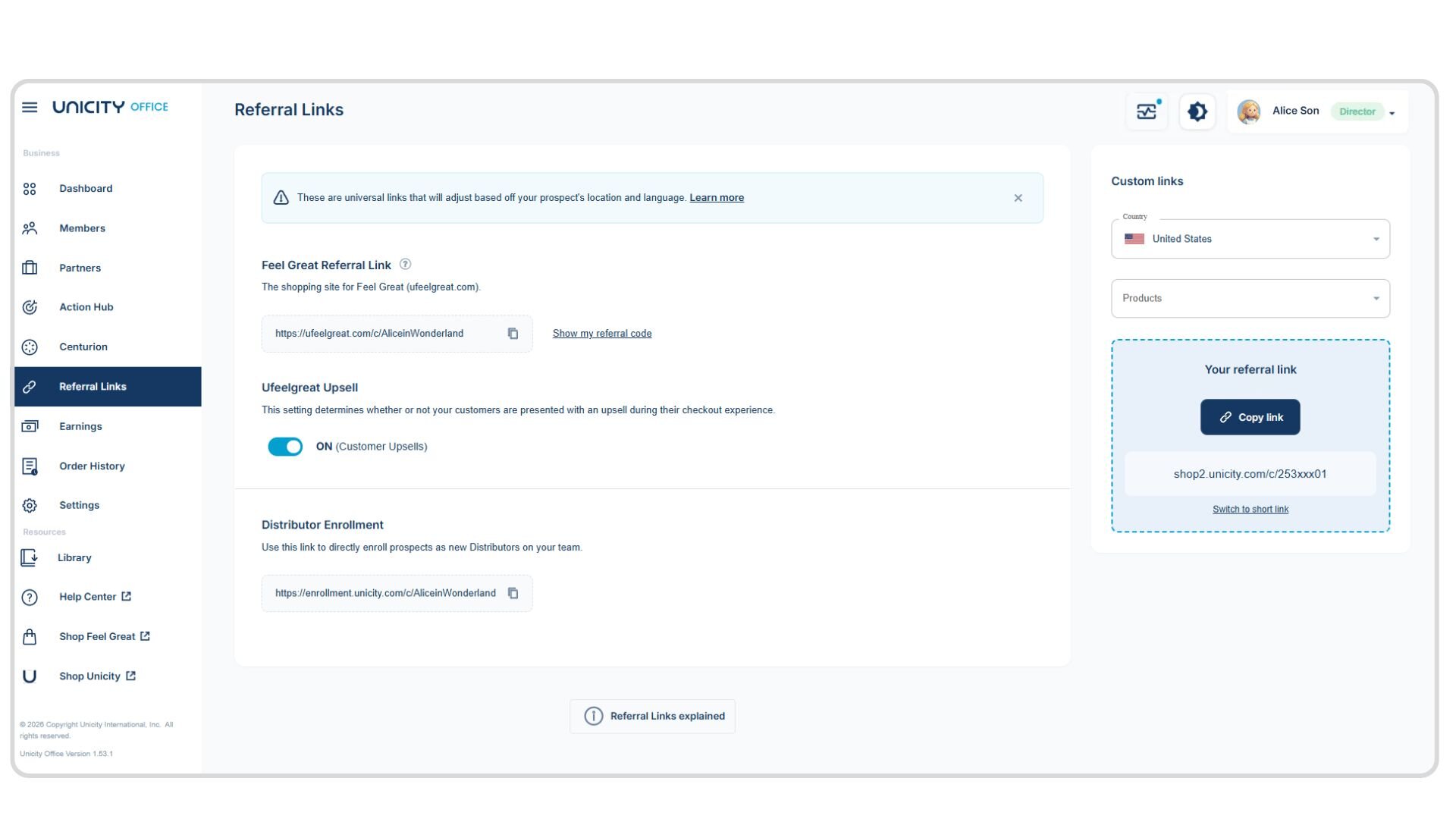
Feel Great link: Sends prospects to ufeelgreat.com. You're credited for their orders after they sign up.
Distributor enrollment link: Enrolls prospects directly as new Distributors on your team.
Custom links: Uses the custom link box to build a link to a specific product or page. Select, in order: the prospect's market, the destination website, the page (use "Unicity Shop" for a product page), the prospect's language, and the product to share. The link populates at the bottom of the section.
The Earnings page
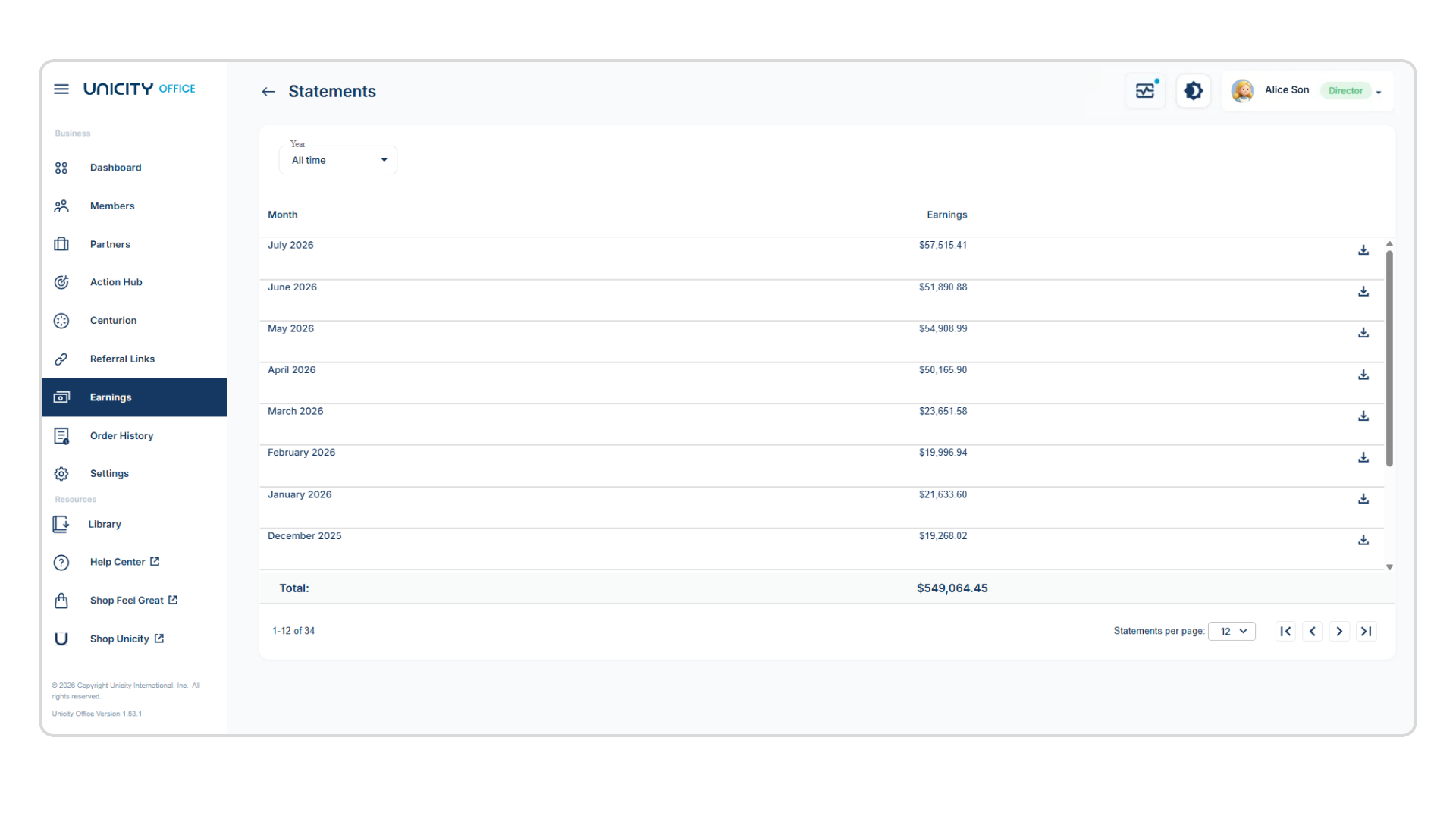
Your commission summary, including weekly and monthly payout amounts if you're eligible. The commission report posts alongside the monthly payout on the 15th of the following month.
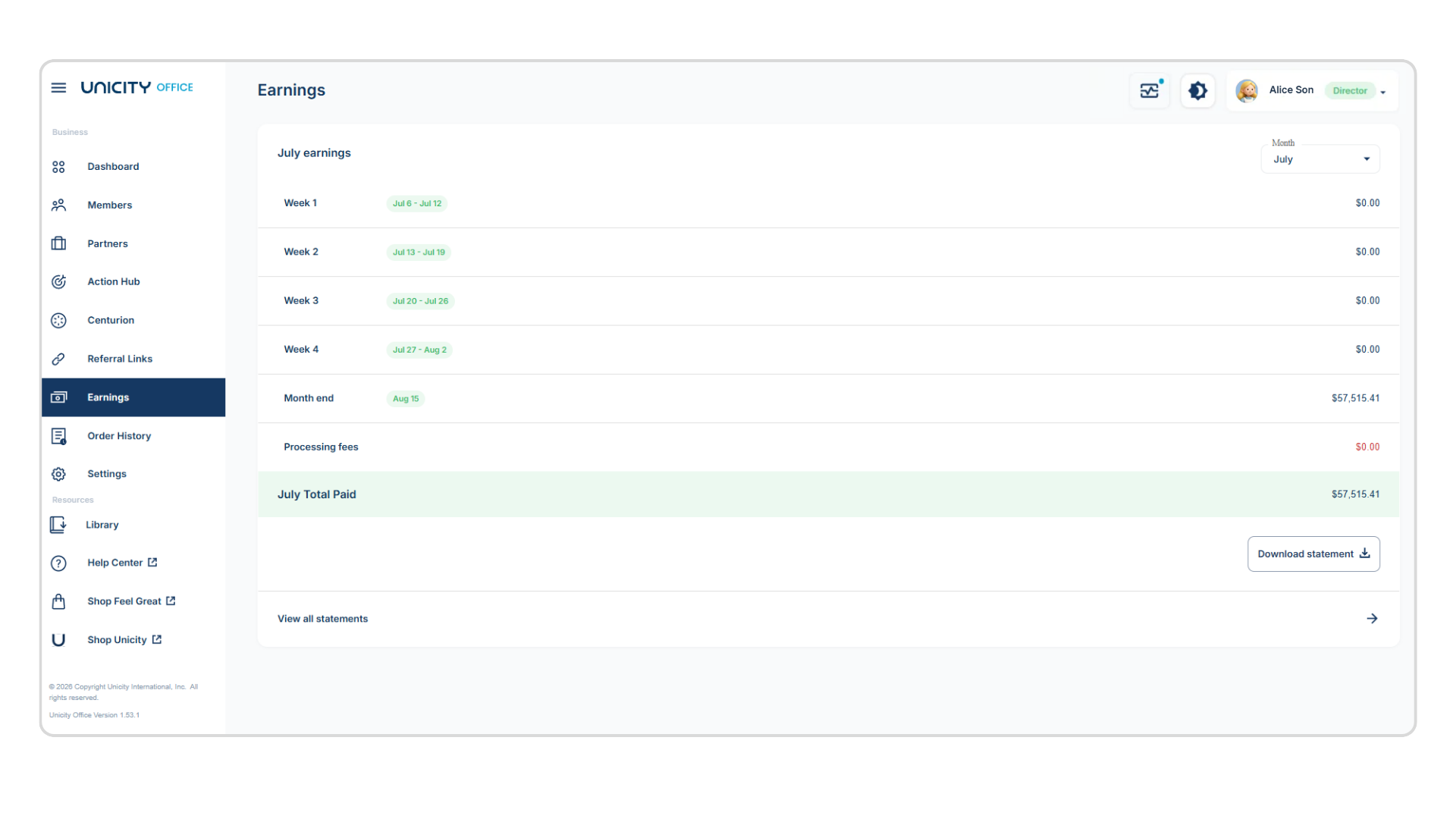
Click View all statements to view your earnings for the year.
The Order History page
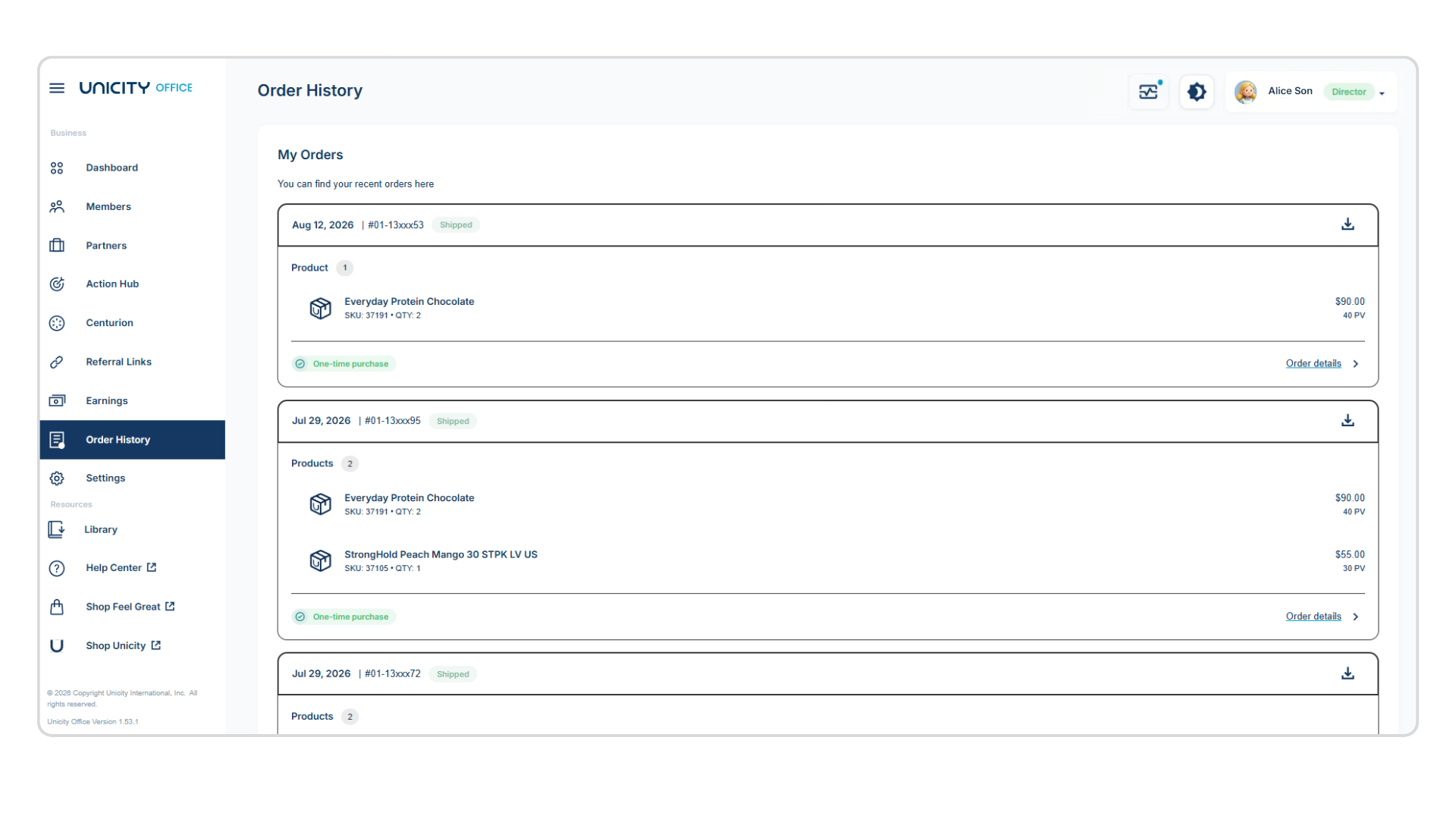
Recent orders with date, order number, products, and whether each was one-time or a subscription.
Click Order Details for the payment method, tracking info, and your invoice.
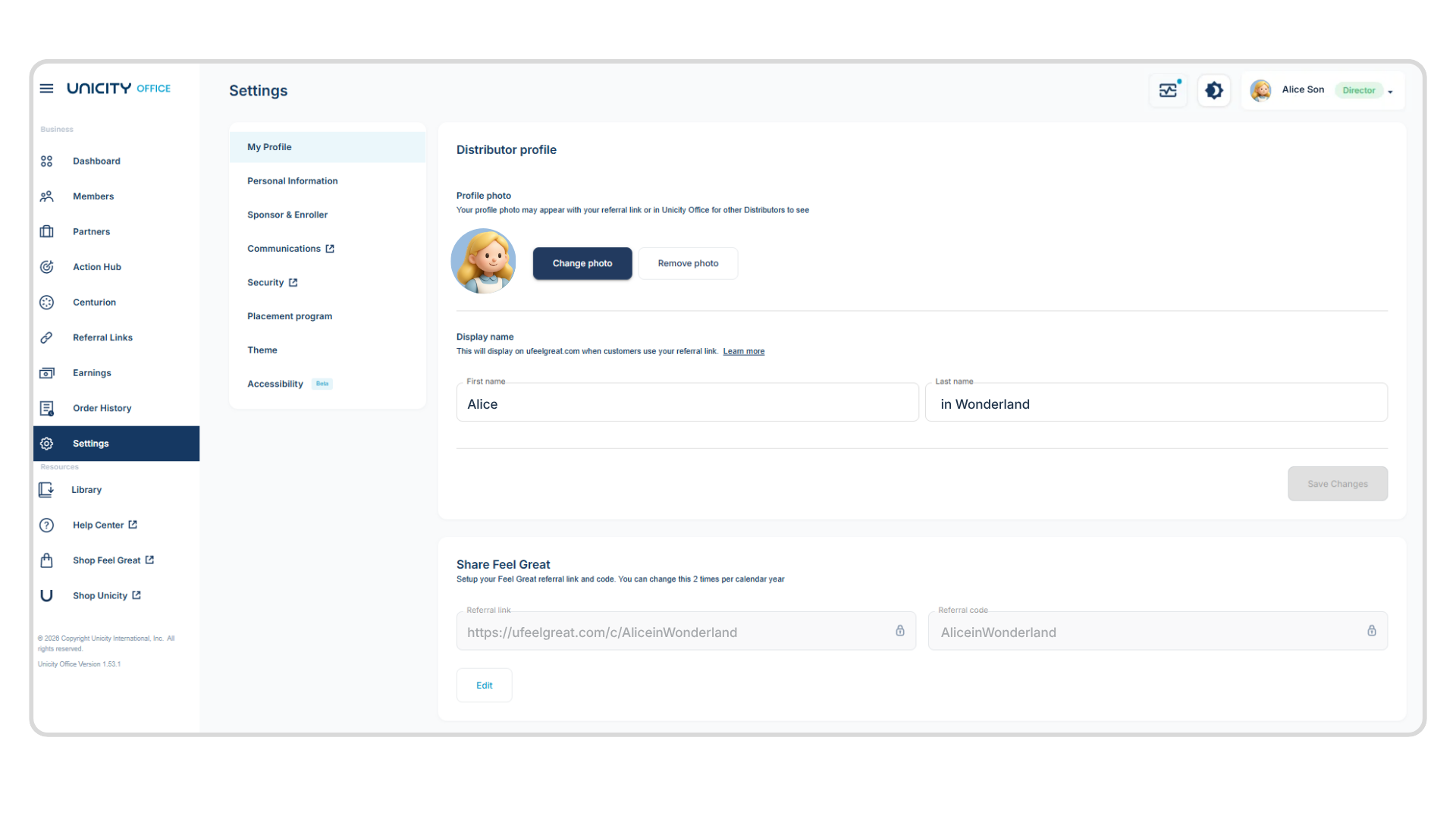
The Settings page
Manage your display name, referral links, upline information, email preferences, and password.
Resources
At the bottom of the menu, you'll find links to four resources: the Unicity Library, the Distributor Help Center, and two shopping pages — Shop Unicity and Shop Feel Great.
- Unicity Library — download business forms for Compliance, product profiles (FAQs and active products only), reference materials like the Policies and Procedures, Compensation Plan, and Product Catalog, and Feel Great documents and images.
- Distributor Help Center — FAQs on order placement and Unicity websites, plus information on earnings and commissions for Distributors.
- Shop Feel Great — for Feel Great product purchases and retrieving your Feel Great referral link or code. You'll need to log in when you access it.
- Shop Unicity — the full product catalog, for one-time or subscription orders. Accessed from your Office site, you're logged in automatically and see Distributor pricing plus any Distributor-exclusive products.
Giving Feedback
Click your name in the top right corner, then Provide Feedback, to open an email where you can share suggestions or feature requests.
Frequently Asked Questions
What do I need to qualify for a rank? Minimum PV and TV goals, plus each of your three legs meeting that rank's requirements.
How do I know which Members to reach out to first? Check the Action Hub. New Feel Great Members (first two weeks) and Order Reminders (5+ weeks since last order) are the two lists built specifically for outreach.
Where do I find a Partner's rank and Centurion progress? Click their name on the Partners page to open their Partner profile.
When is the commission report posted? The 15th of the month following the commission month, alongside the monthly payout.
Where do I create a custom referral link to a specific product? The Referral Links page, using the custom link box — select market, website, page, language, and product.
How do I give feedback on Unicity Office? Click your name in the top right corner, then select Provide Feedback.